
Text-Based POI Search
Implementation of a text input field for searching POIs. This allows users to filter the Point of Interest list and display only matching results by

Implementation of a text input field for searching POIs. This allows users to filter the Point of Interest list and display only matching results by
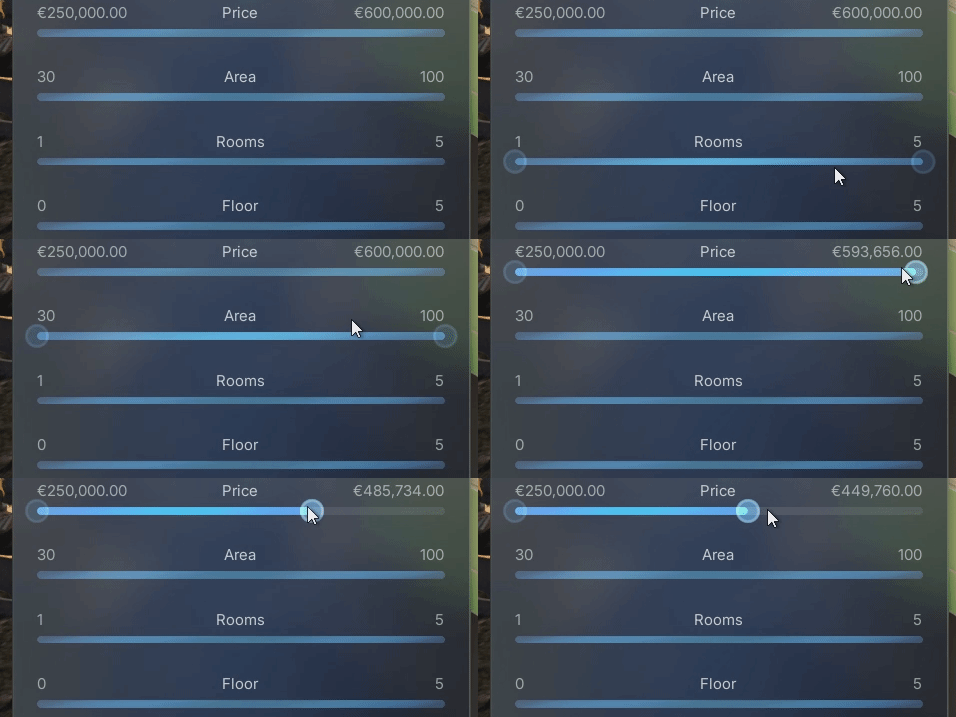
Enhanced the two-handle range slider with proper hover and pressed states for both the slider bar and the handles. This provides clearer visual feedback during
Structured the demonstration map into sub-levels and organized actors into folders. This allows users to easily exclude unnecessary parts of the project. This simplifies the
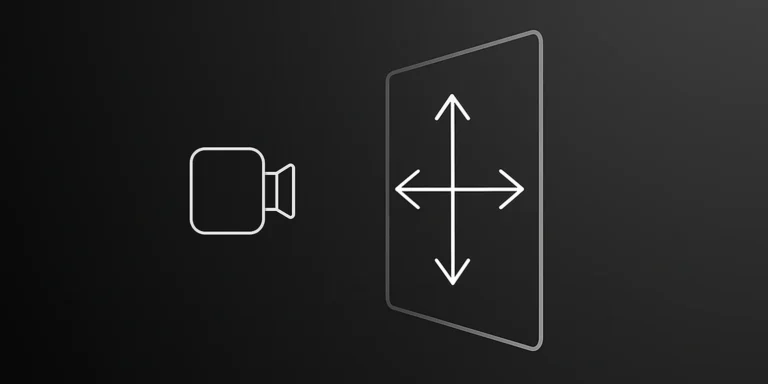
Added support for camera movement along the ZX plane using the middle mouse button. This is especially helpful while moving up and down along tall
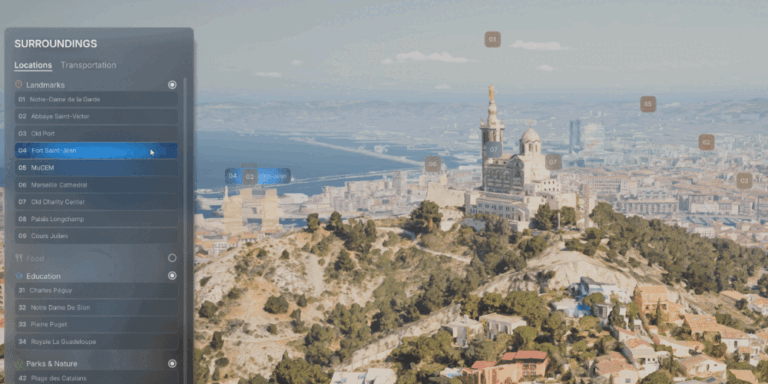
Two-way communication between UI list items and POI labels. When a button is hovered in the list, the corresponding POI label reflects the hover state,
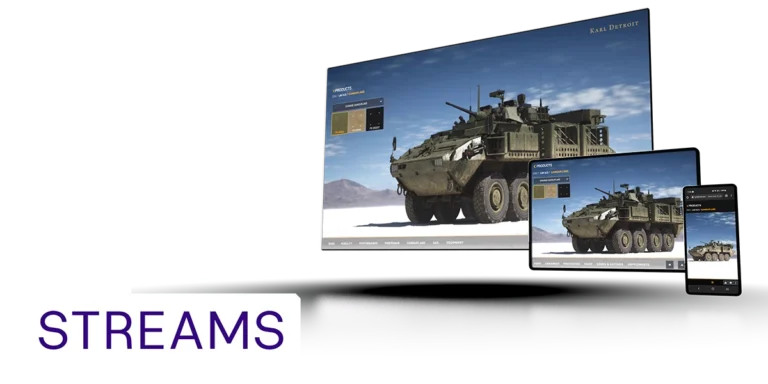
In partnership with Vagon Streams, AVE II features built-in integration for no-code pixel streaming, delivering exceptional image quality and enhanced performance worldwide and across all devices.
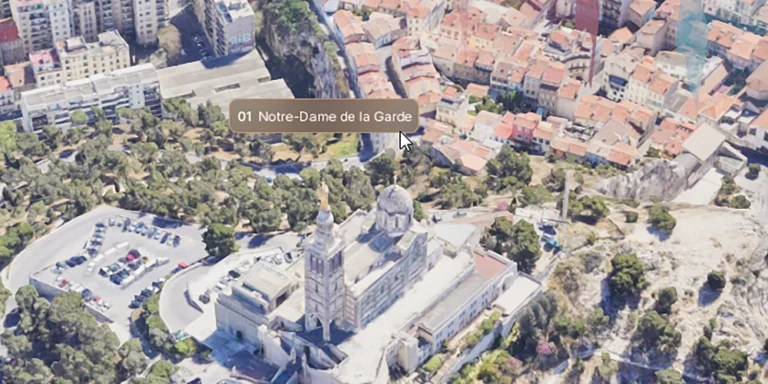
Hover-based label behavior for POIs. When the user hovers over a screen space label or POI geometry, the label expands to reveal the full name,
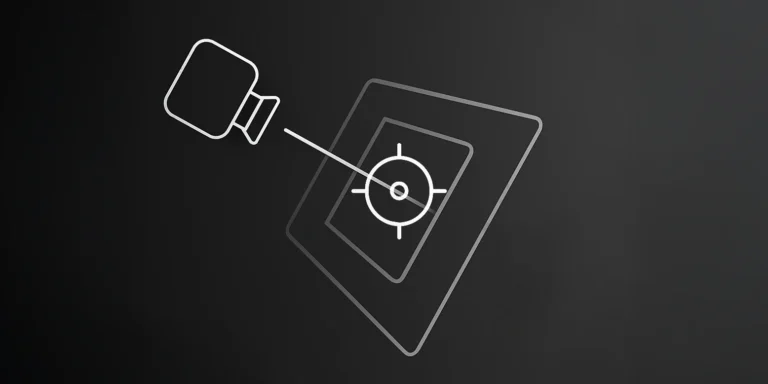
Updates the camera focus distance when the orbit target changes, ensuring the new target remains sharp and unaffected by DOF (depth of field) blur. Update

POIs can now have Blueprint actors assigned to them that react when selected or deselected. These reactables can play animations, change materials, move objects, or
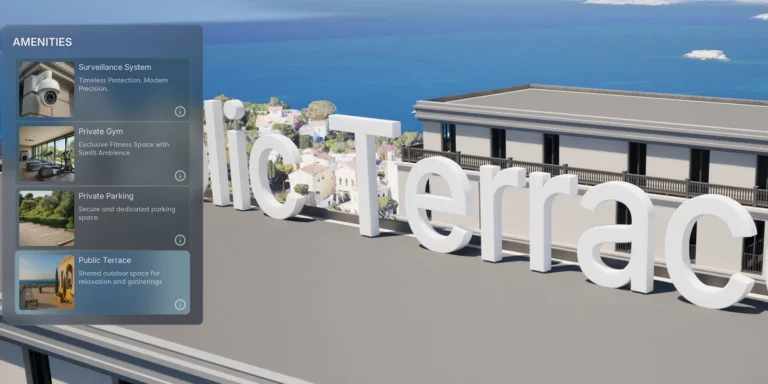
Displays animated 3D text when a POI is selected. Can be used for titles, labels, or descriptions tied to specific points of interest.