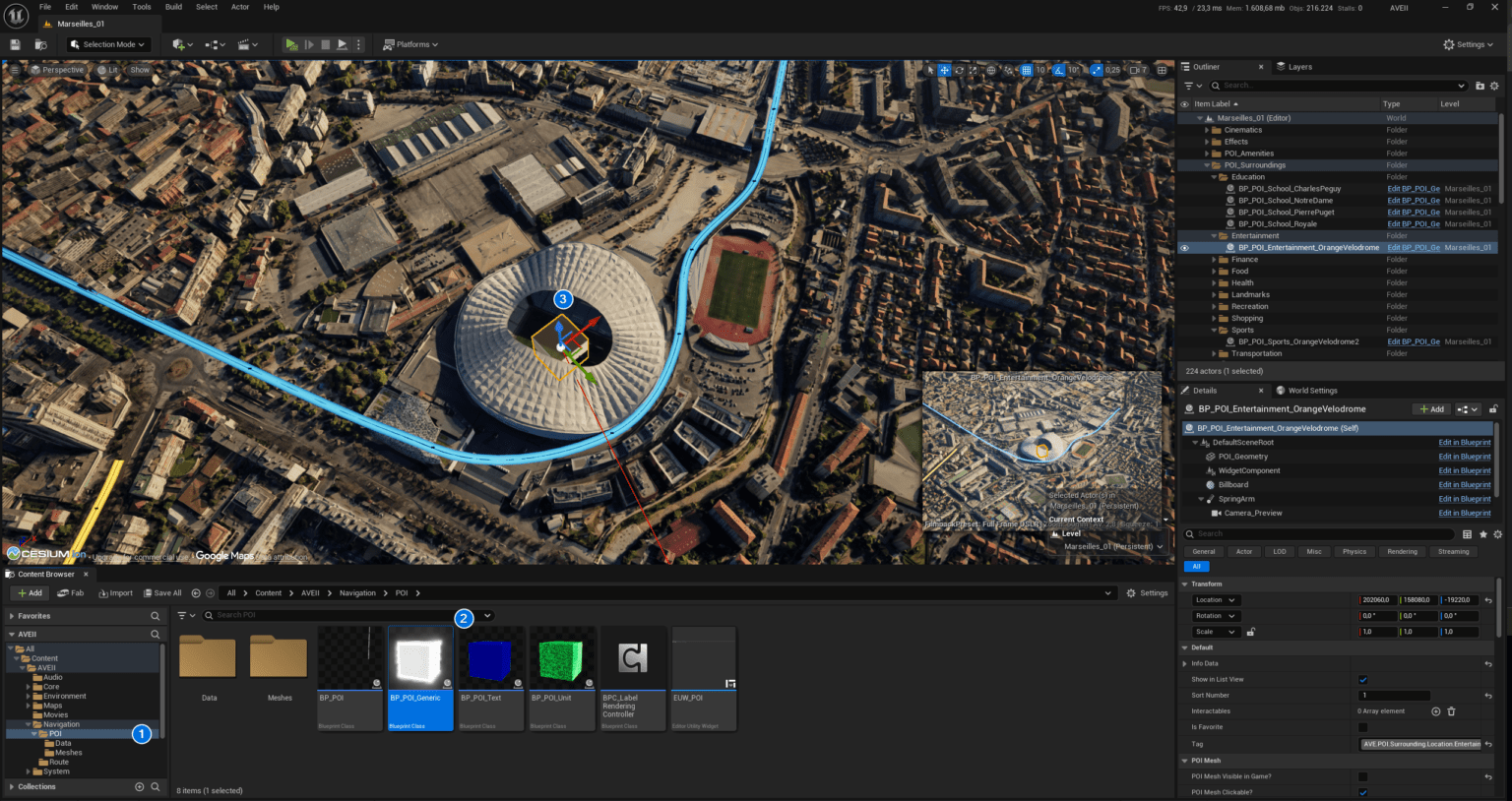
Optimization of the POI initialization to improve performance, shifting from a heavy “Pull” method to an automatic “Push” process. Instead of the Game Instance scanning the entire map (“Get All Actors of Class”) for POIs, each POI now instantly introduces itself to the system the moment it loads. This speeds up level load times, prevents startup timing bugs, and gives the option to dynamically add new units at any time during a session.
Configuring Project Settings
Configuring Project Settings To ensure AVE II functions correctly, you must verify specific project settings. These configurations establish the communication backbone between the UI and your Blueprint logic. Note: The BP_AVE_GI class is essential for handling global communication and persistent data between the UI and gameplay elements.