Vertical Plane Camera Navigation
Added support for camera movement along the ZX plane using the middle mouse button. This is especially helpful while moving up and down along tall

Added support for camera movement along the ZX plane using the middle mouse button. This is especially helpful while moving up and down along tall
Implemented dynamic input method detection (Mouse, Touch, or Gamepad) using the Common Input Subsystem, which automatically applies the appropriate Input Mapping Context based on the
Updates the camera focus distance when the orbit target changes, ensuring the new target remains sharp and unaffected by DOF (depth of field) blur. Update
The Floating Pawn Movement component was removed from the pawn because its built-in acceleration and deceleration settings were difficult to tune, resulting in floaty panning
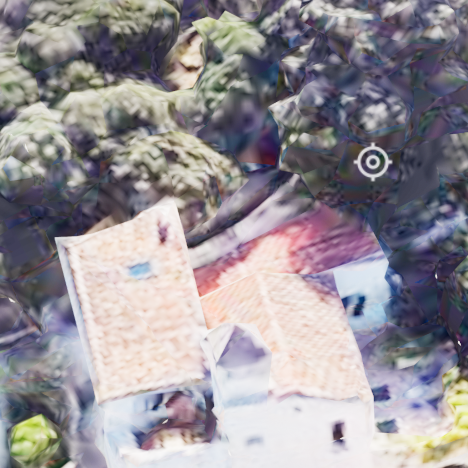
When the user clicks, display a small indicator icon at the orbit location beneath the mouse cursor. This gives clear visual feedback about the pivot/orbit
A new pawn movement system allows users to orbit around the mouse cursor’s position in world space, similar to Google Earth, improving navigation and exploration.
Keep orbit position when Line Trace Hit fails or Line Trace distance is longer than CameraDistance_Max