Chinese Localization and Typography Support
Chinese localization for Mandarin, alongside support for Simplified and Traditional Chinese typography

Chinese localization for Mandarin, alongside support for Simplified and Traditional Chinese typography
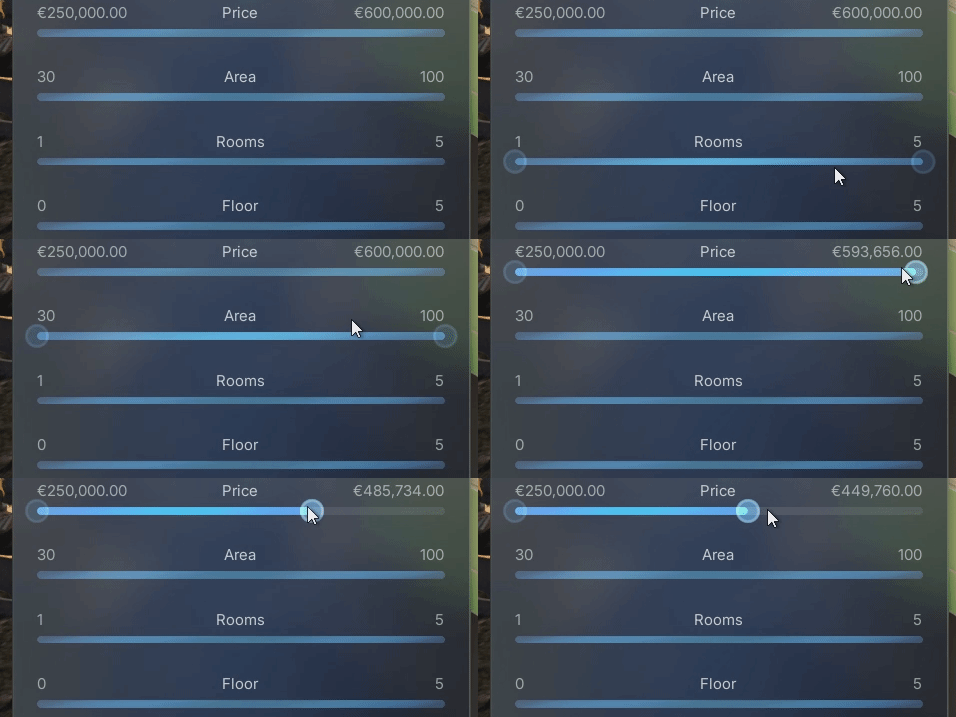
Enhanced the two-handle range slider with proper hover and pressed states for both the slider bar and the handles. This provides clearer visual feedback during
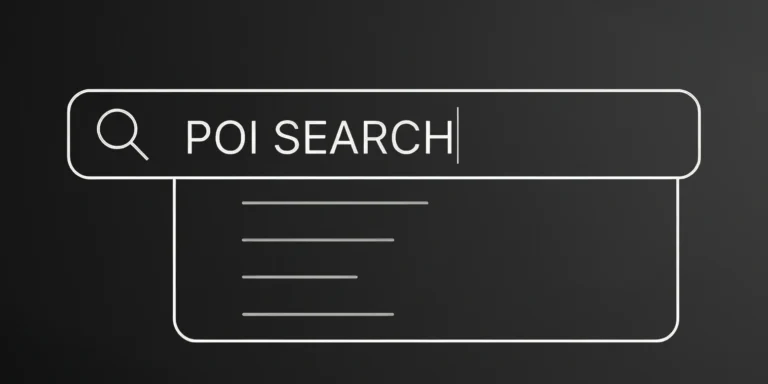
Implementation of a text input field for searching POIs. This allows users to filter the Point of Interest list and display only matching results by
We reorganized the project folders to improve navigation and maintenance. Assets now follow Unreal Engine standards and are grouped by purpose and subsystem, keeping related
Resolved an issue that prevented scrolling when the mouse cursor was hovering over List View buttons.
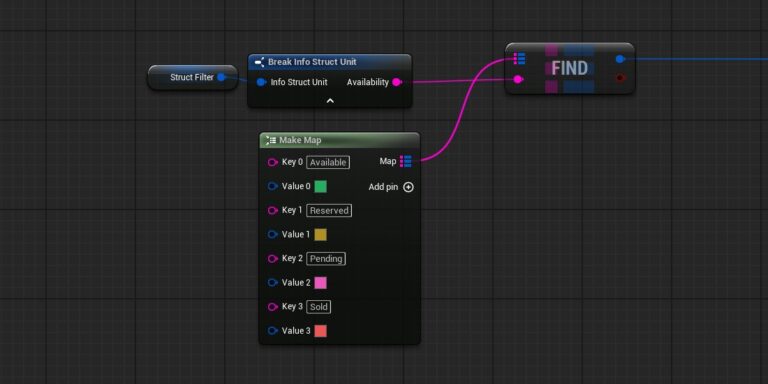
Replaces unit status fields (e.g., availability) from enums to raw strings, enabling direct imports from CSV, Google Sheets, or CRM systems without additional mapping.
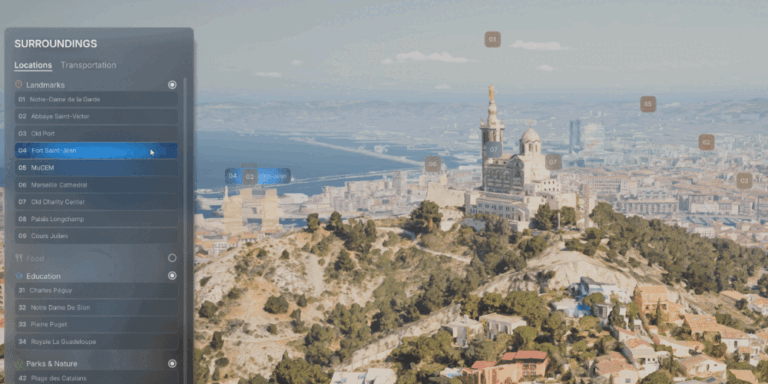
Two-way communication between UI list items and POI labels. When a button is hovered in the list, the corresponding POI label reflects the hover state,
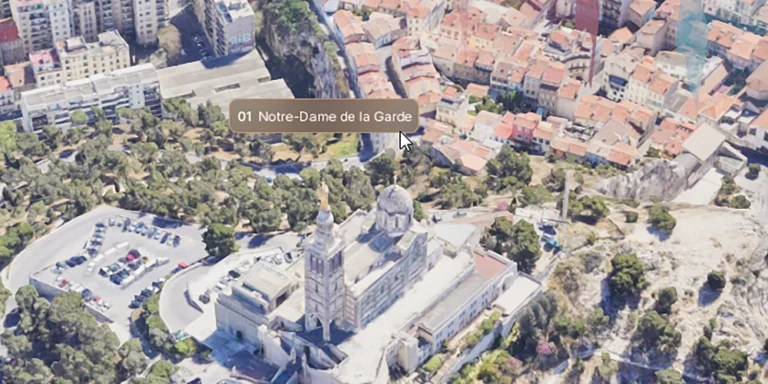
Hover-based label behavior for POIs. When the user hovers over a screen space label or POI geometry, the label expands to reveal the full name,
Primary background audio track triggered by the Start Experience interaction. Planned: Disable/mute playback automatically when gallery videos are active.
Updates the camera focus distance when the orbit target changes, ensuring the new target remains sharp and unaffected by DOF (depth of field) blur. Update