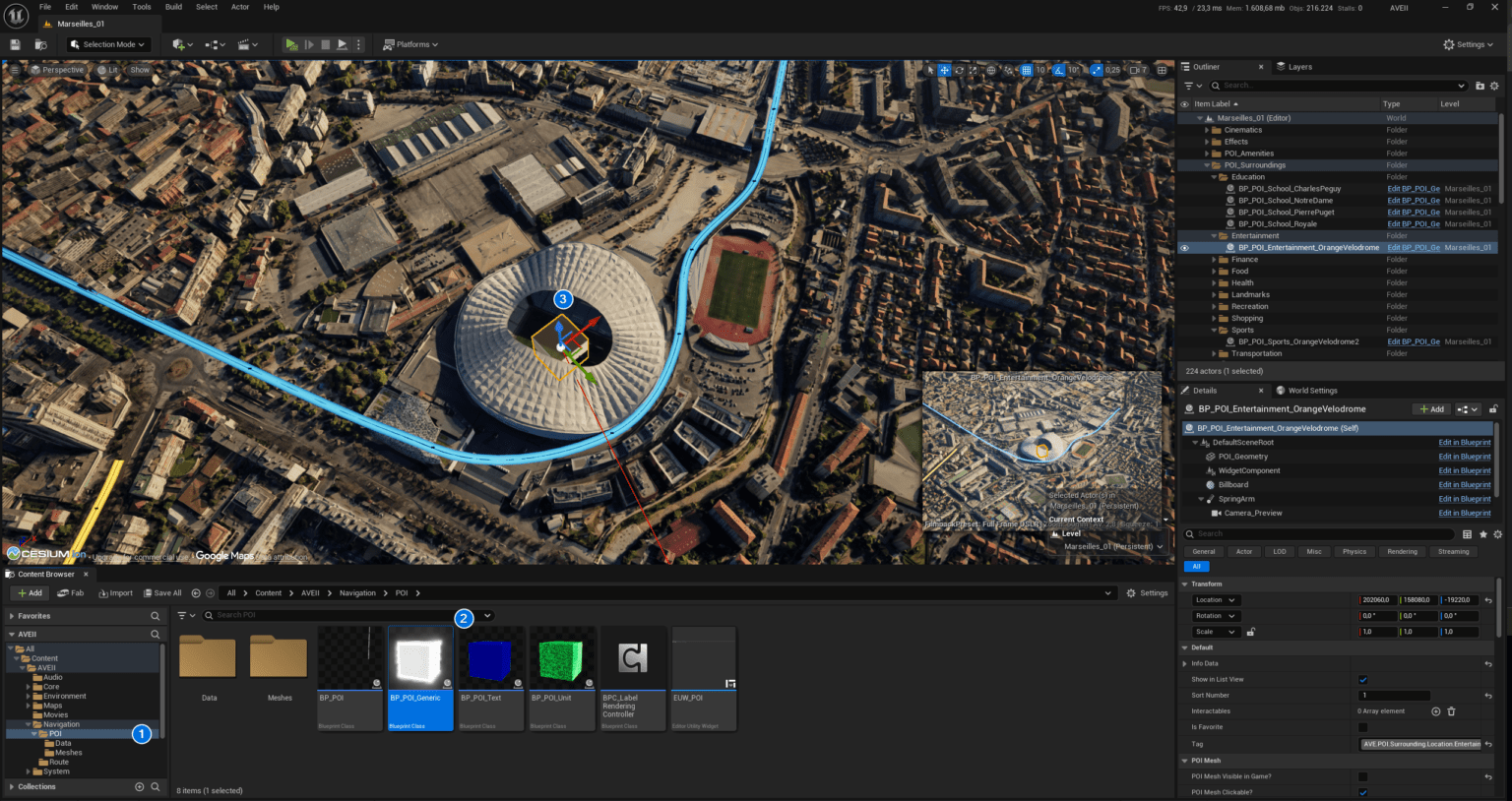
Structured the demonstration map into sub-levels and organized actors into folders. This allows users to easily exclude unnecessary parts of the project. This simplifies the setup and customization of the template.
Configuring Project Settings
Configuring Project Settings To ensure AVE II functions correctly, you must verify specific project settings. These configurations establish the communication backbone between the UI and your Blueprint logic. Note: The BP_AVE_GI class is essential for handling global communication and persistent data between the UI and gameplay elements.