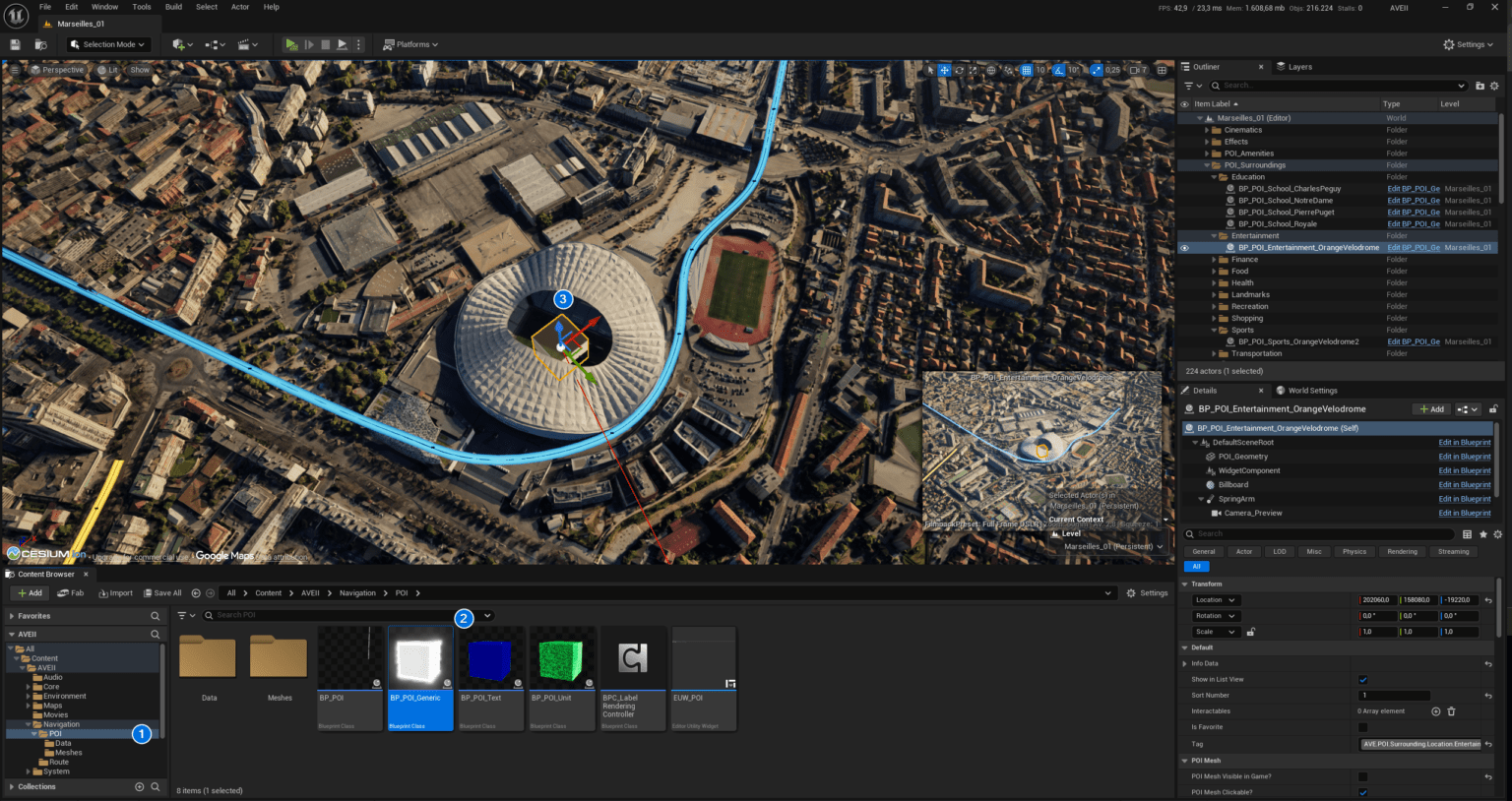
This guide covers integrating Ultra Dynamic Sky (UDS) into AVE II for enhanced weather and time-of-day simulation. We will establish communication between the WBP_CompassClock_01 widget and UDS using a custom controller.
💡Note: For advanced configurations outside this basic setup, refer to the Ultra Dynamic Sky Documentation.
1. Import the Custom Controller
Download and import the BP_TimeOfDayController_UDS into your project. This blueprint acts as the communication bridge between your compass clock widget and the UDS system.
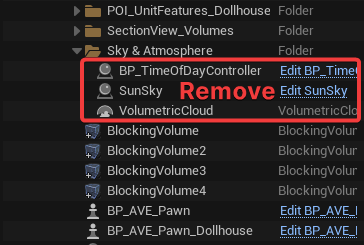
2. Clean Up Existing Sky Actors Navigate to the Outliner and expand the Sky & Atmosphere folder. Delete the existing SunSky, VolumetricCloud, and BP_TimeOfDayController Actors from your level.
Warning: Removing these default sky actors may temporarily darken your viewport. This is normal and will be resolved in the next step.
3. Add Ultra Dynamic Sky to the Level Open the Content Browser and navigate to UltraDynamicSky > Blueprints. Drag and drop both the Ultra_Dynamic_Sky and Ultra_Dynamic_Weather Blueprints directly into your level.
This section explains the core structure of AVE II. It covers which systems manage data, how responsibilities are split up, and how different parts of the project communicate with each other.
These pages are designed to help you understand where to modify or add Blueprint logic. They explain which classes should handle specific tasks and how to keep everything organized.
💡 Note: We recommend reading this section before you start adding new features. Following these patterns will help keep the project stable and easy to manage.
Core Blueprints and their responsibilities
You can find the core Blueprint classes in the Content > AVEII > Core folder.
| Blueprint | Class Name | Primary Responsibility |
| Game Mode | BP_AVE_GM | Defines default Pawn and Player Controller classes. |
| Game Instance | BP_AVE_GI | Acts as a global mediator for POIs, UI Modes, and POI filtering. |
| Player Controller | BP_AVE_PC | Handles Pawn orchestration |
| Pawn | BP_AVE_Pawn_Exp | Manages player input and interaction logic. |