
Improved Two-Handle Range Slider
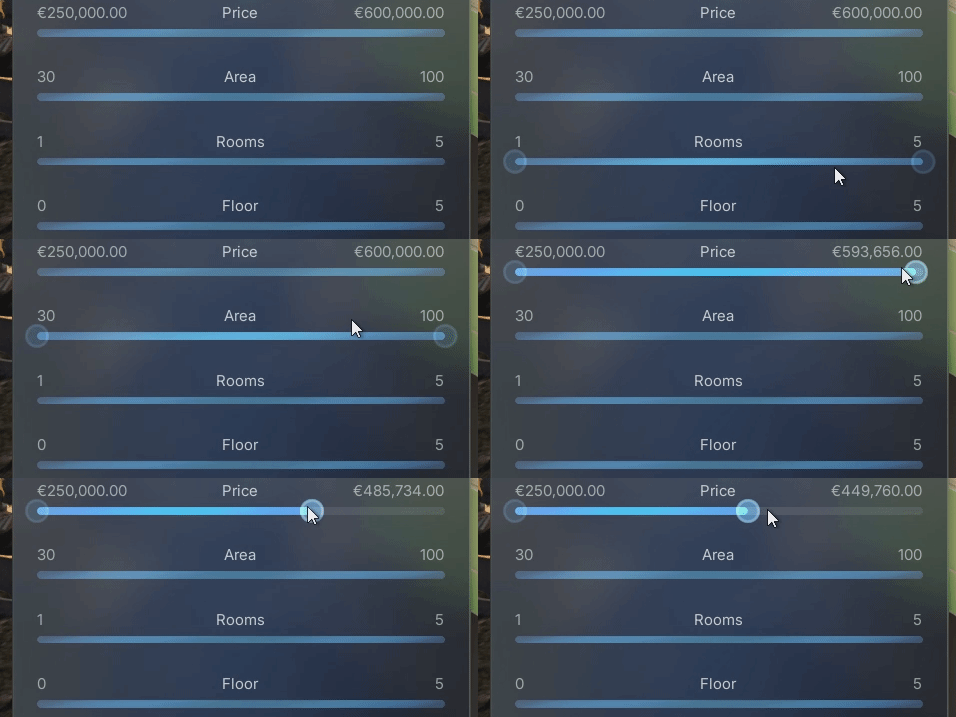
Enhanced the two-handle range slider with proper hover and pressed states for both the slider bar and the handles. This provides clearer visual feedback during interaction and improves overall usability.
Improved: Folder Structure
We reorganized the project folders to improve navigation and maintenance. Assets now follow Unreal Engine standards and are grouped by purpose and subsystem, keeping related content together and reducing clutter.
Fixed: Scrolling Issue Over List View Buttons
Resolved an issue that prevented scrolling when the mouse cursor was hovering over List View buttons.
Modular Demonstration Map Using Sub-Levels and Folders
Structured the demonstration map into sub-levels and organized actors into folders. This allows users to easily exclude unnecessary parts of the project. This simplifies the setup and customization of the template.
Vertical Plane Camera Navigation
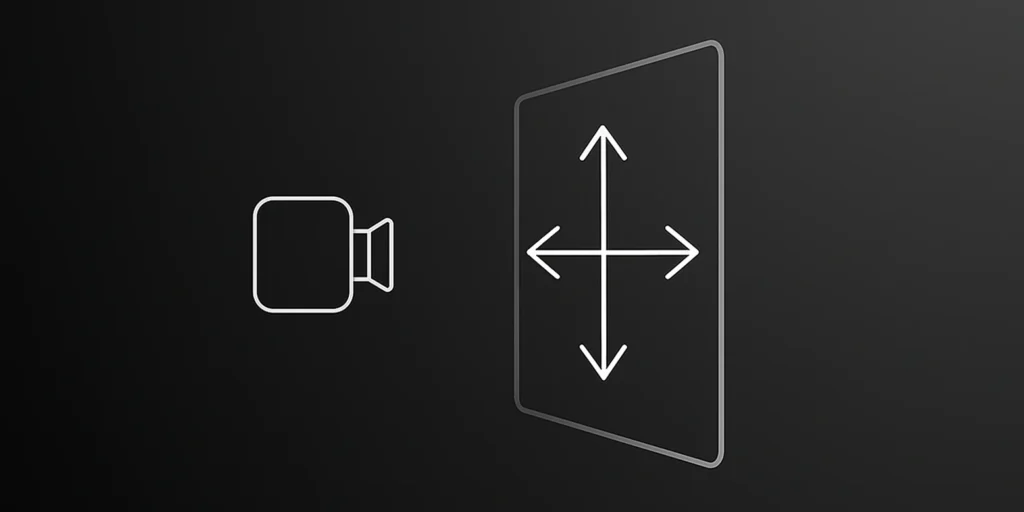
Added support for camera movement along the ZX plane using the middle mouse button. This is especially helpful while moving up and down along tall structures and building facades.
Improved: Divider Styling with Custom Material
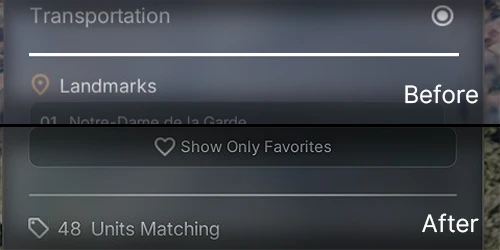
Replaced UMG borders with a custom material to enhance visual quality, styling, and flexibility for slim UI dividers. Unreal Engine’s default borders often appeared pixelated when used with narrow elements. The new material resolves this issue and supports real-time control over sharpness, color gradients, and dynamic adjustments during play.
Unit Status as Strings
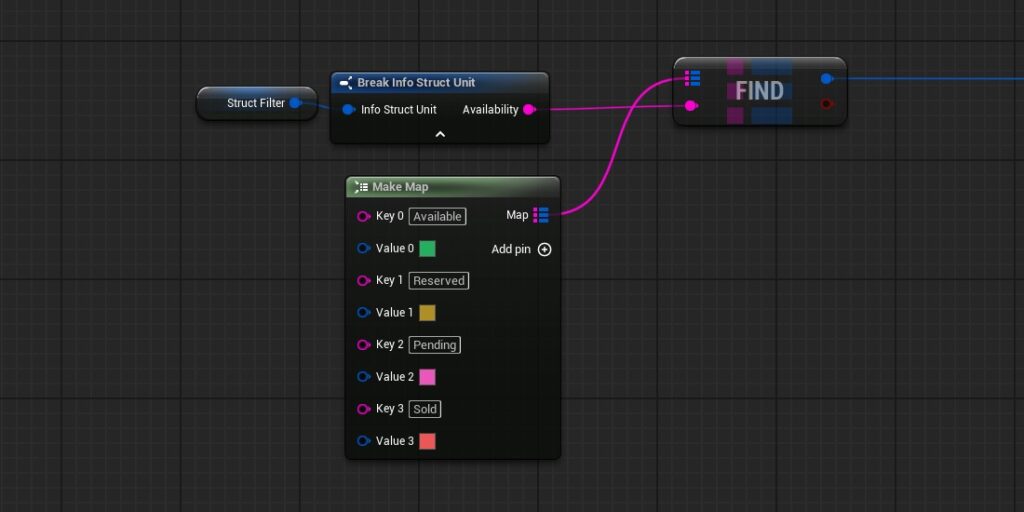
Replaces unit status fields (e.g., availability) from enums to raw strings, enabling direct imports from CSV, Google Sheets, or CRM systems without additional mapping.
Synchronized Hover States for Labels
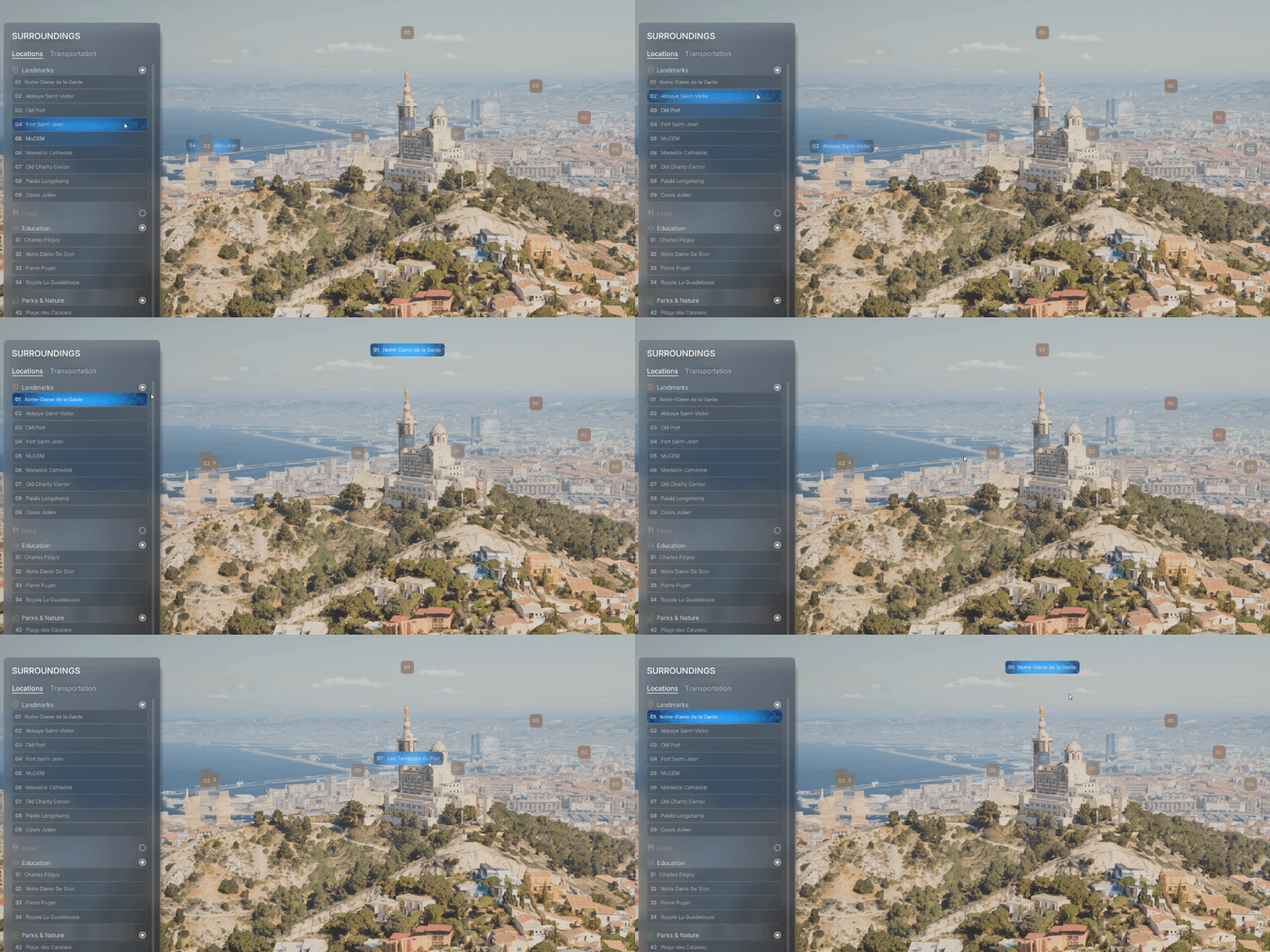
Two-way communication between UI list items and POI labels. When a button is hovered in the list, the corresponding POI label reflects the hover state, and vice versa. The Game Instance acts as a centralized mediator for synchronized visual feedback.
Integrated Vagon.io Pixel Streaming Support
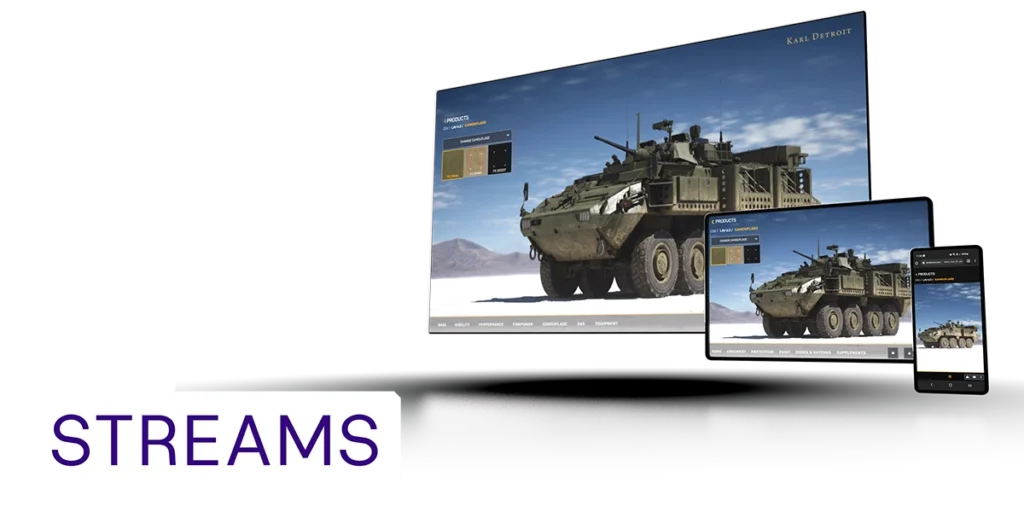
In partnership with Vagon Streams, AVE II features built-in integration for no-code pixel streaming, delivering exceptional image quality and enhanced performance worldwide and across all devices.
Expandable POI Labels on Hover
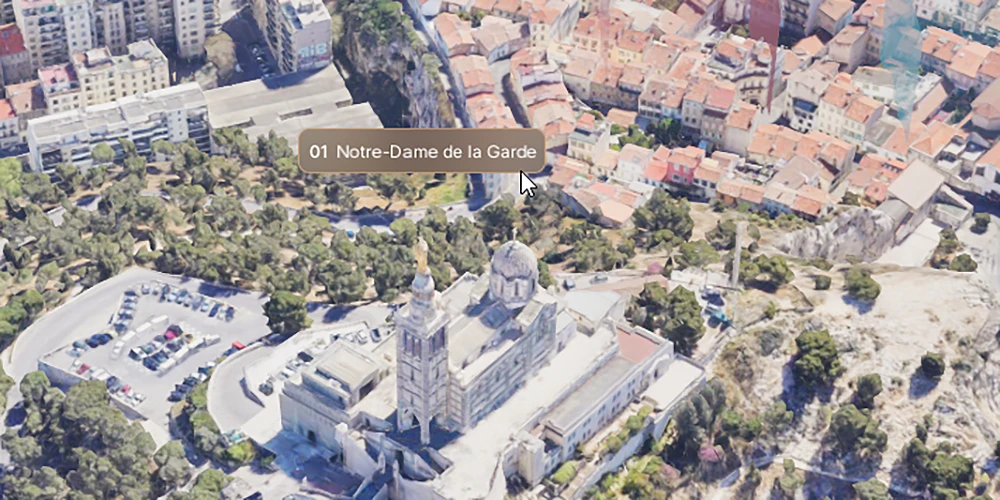
Hover-based label behavior for POIs. When the user hovers over a screen space label or POI geometry, the label expands to reveal the full name, improving readability without cluttering the scene.