
Improved: Folder Structure
We reorganized the project folders to improve navigation and maintenance. Assets now follow Unreal Engine standards and are grouped by purpose and subsystem, keeping related content together and reducing clutter.
Vertical Plane Camera Navigation
Added support for camera movement along the ZX plane using the middle mouse button. This is especially helpful while moving up and down along tall structures and building facades.
Unit Status as Strings
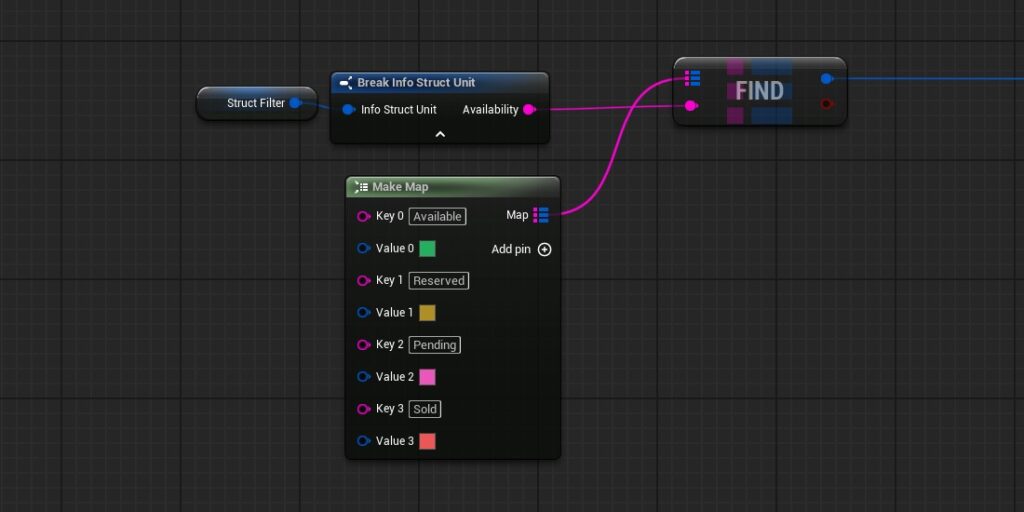
Replaces unit status fields (e.g., availability) from enums to raw strings, enabling direct imports from CSV, Google Sheets, or CRM systems without additional mapping.
Synchronized Hover States for Labels
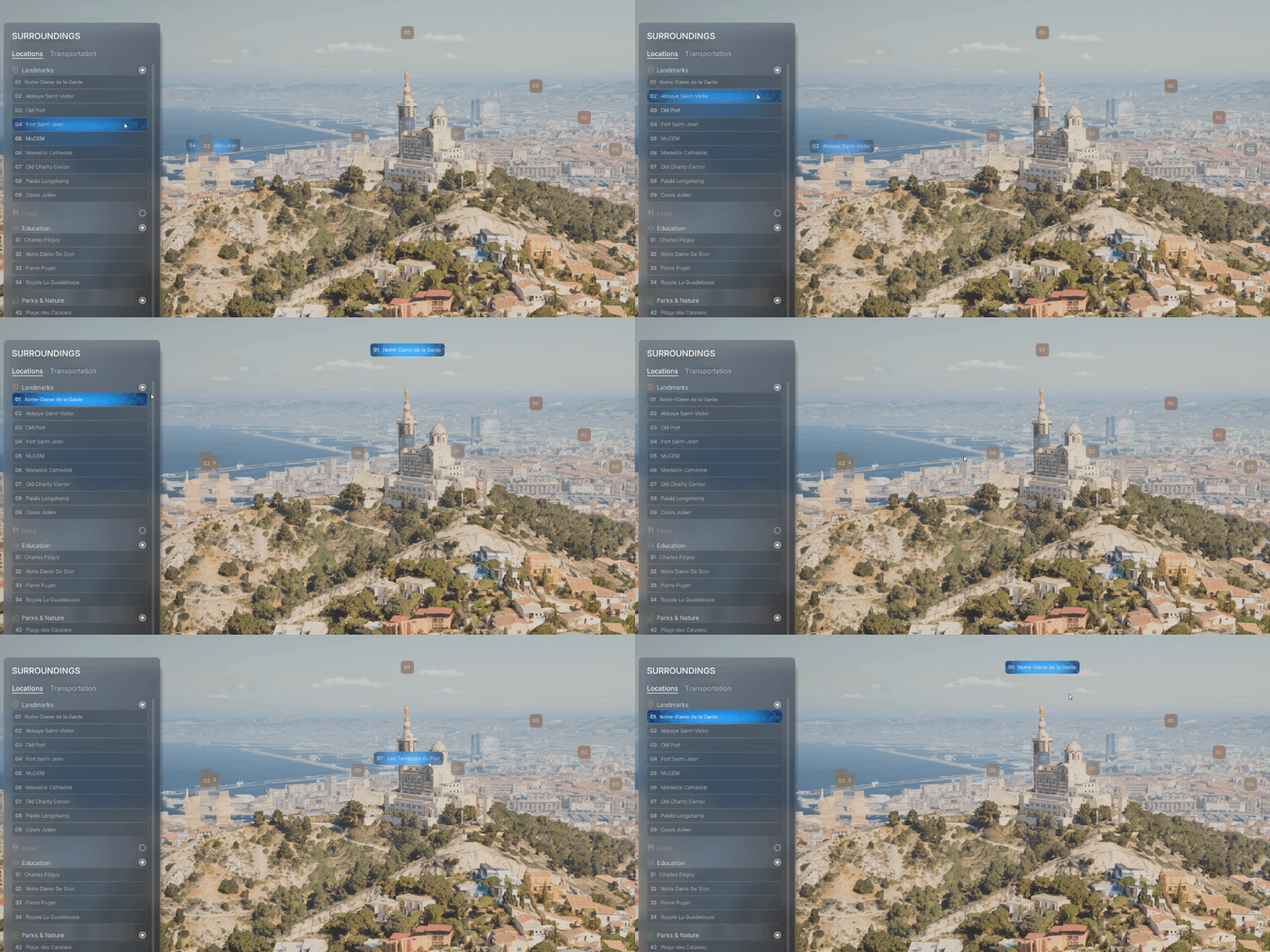
Two-way communication between UI list items and POI labels. When a button is hovered in the list, the corresponding POI label reflects the hover state, and vice versa. The Game Instance acts as a centralized mediator for synchronized visual feedback.
Integrated Vagon.io Pixel Streaming Support
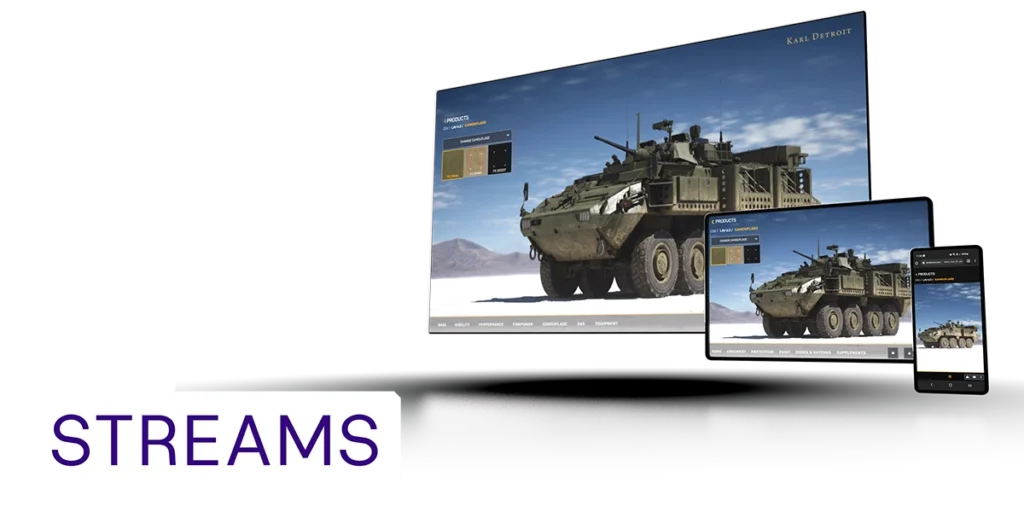
In partnership with Vagon Streams, AVE II features built-in integration for no-code pixel streaming, delivering exceptional image quality and enhanced performance worldwide and across all devices.
Expandable POI Labels on Hover
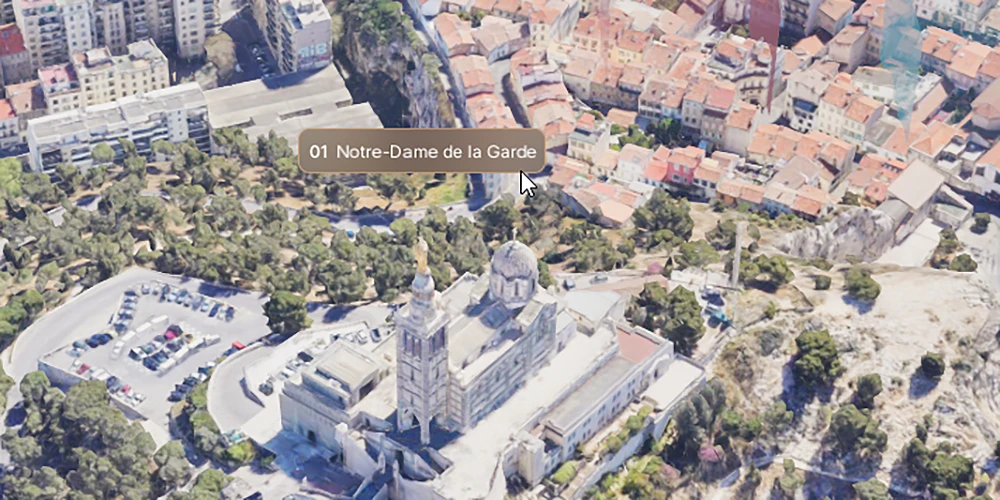
Hover-based label behavior for POIs. When the user hovers over a screen space label or POI geometry, the label expands to reveal the full name, improving readability without cluttering the scene.
Background Music
Loops randomly selected music tracks to enhance mood. Automatically disables playback when gallery videos are active.
Camera Focus Updates with Orbit Target Change
Updates the camera focus distance when the orbit target changes, ensuring the new target remains sharp and unaffected by DOF (depth of field) blur. Update 01 – July 23, 2025: Moved from Planned to Completed.
Clamp Camera Rotation for POIs
Constrains the player’s camera rotation after focusing on a POI, locking the view to a predefined angle or direction.
POI Interactables
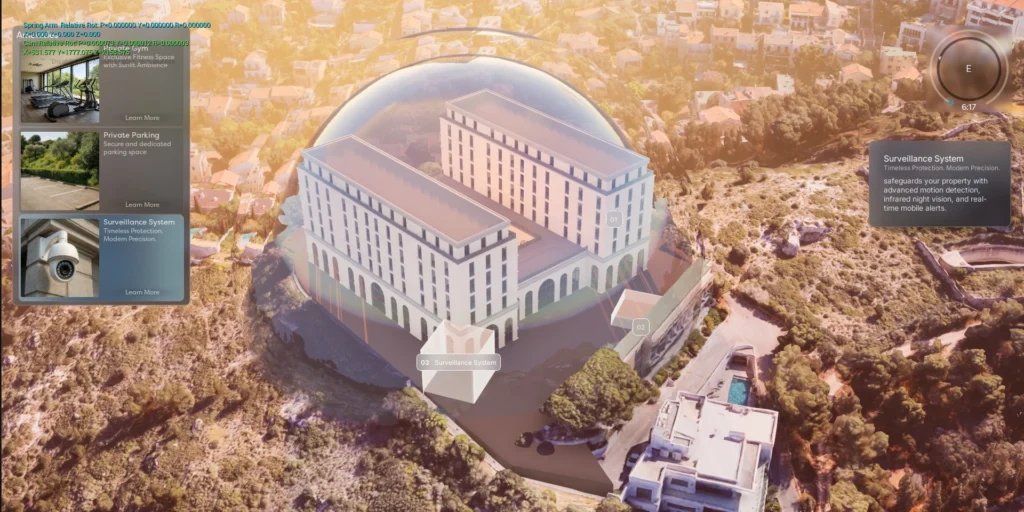
POIs can now have Blueprint actors assigned to them that react when selected or deselected. These interactables can play animations, change materials, move objects, or trigger other visual effects. Each POI holds a list of these actors and calls their Activate or Deactivate events automatically. This makes it easy to create custom responses per POI […]