more insights

Creating Interactive Routes

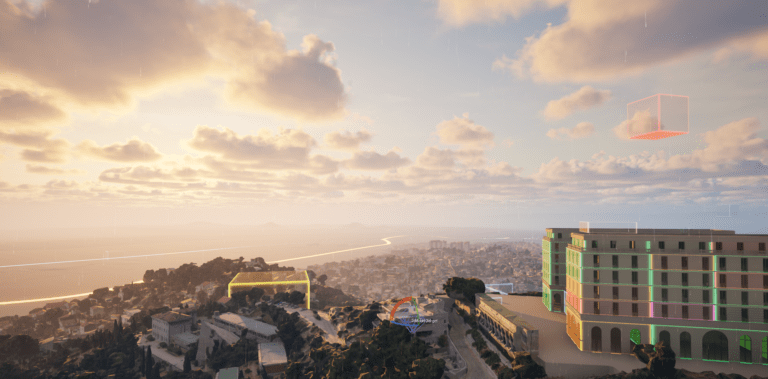
Learn how to create interactive transit lines and boundaries in Unreal Engine using AVE II. This step-by-step guide covers setting up BP_AVE_Routes, configuring Point of Interest (POI) actors, and linking them via Reactors to visualize transportation routes in your architectural surroundings.

Read more >

Game Instance (BP_AVE_GI)

The Game Instance (BP_AVE_GI) acts as the central mediator in AVE II. It owns a persistent runtime state, coordinates communication between systems, and ensures that

Read more >

Framework

This section explains the core structure of AVE II. It covers which systems manage data, how responsibilities are split up, and how different parts of

Read more >

POI Basics & Custom Tags

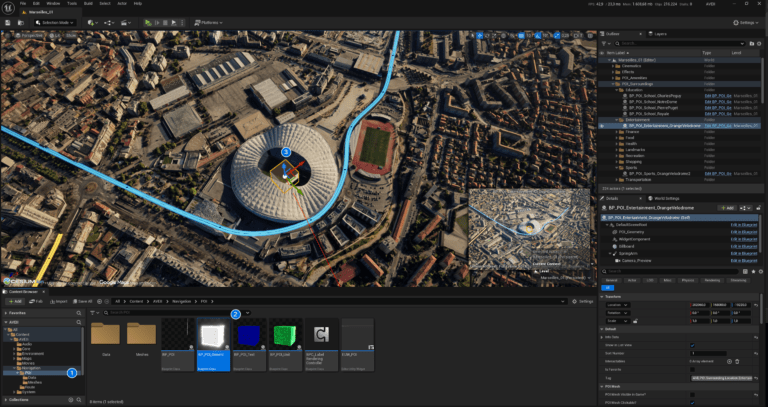
Get started with interactive navigation in AVE II. This beginner-friendly guide covers the essentials of placing BP_POI_Generic actors, customizing info panels with text and images, and organizing your locations into simple categories using tags.

Read more >

Configuring Project Settings

Configuring Project Settings To ensure AVE II functions correctly, you must verify specific project settings. These configurations establish the communication backbone between the UI and

Read more >

ready to take your business to the next level?

Get in touch today and receive a complimentary consultation.